Journal
At last, Klara is ready
Klara answers your first hello, opens the Klara Guide to Kubuntu, and walks you through KeePassXC on the machine, in Plasma.
27 August 2026
We said she was coming. Dates moved. Packaging fought us. The honest version is that we would rather be late than ship a window that cannot do the job.
Tonight she is on the desktop. Not a teaser. Not a countdown. A local Plasma assistant who greets you, teaches Kubuntu, and sits with you while the software you actually need lands on the machine.
Hello, and she means it
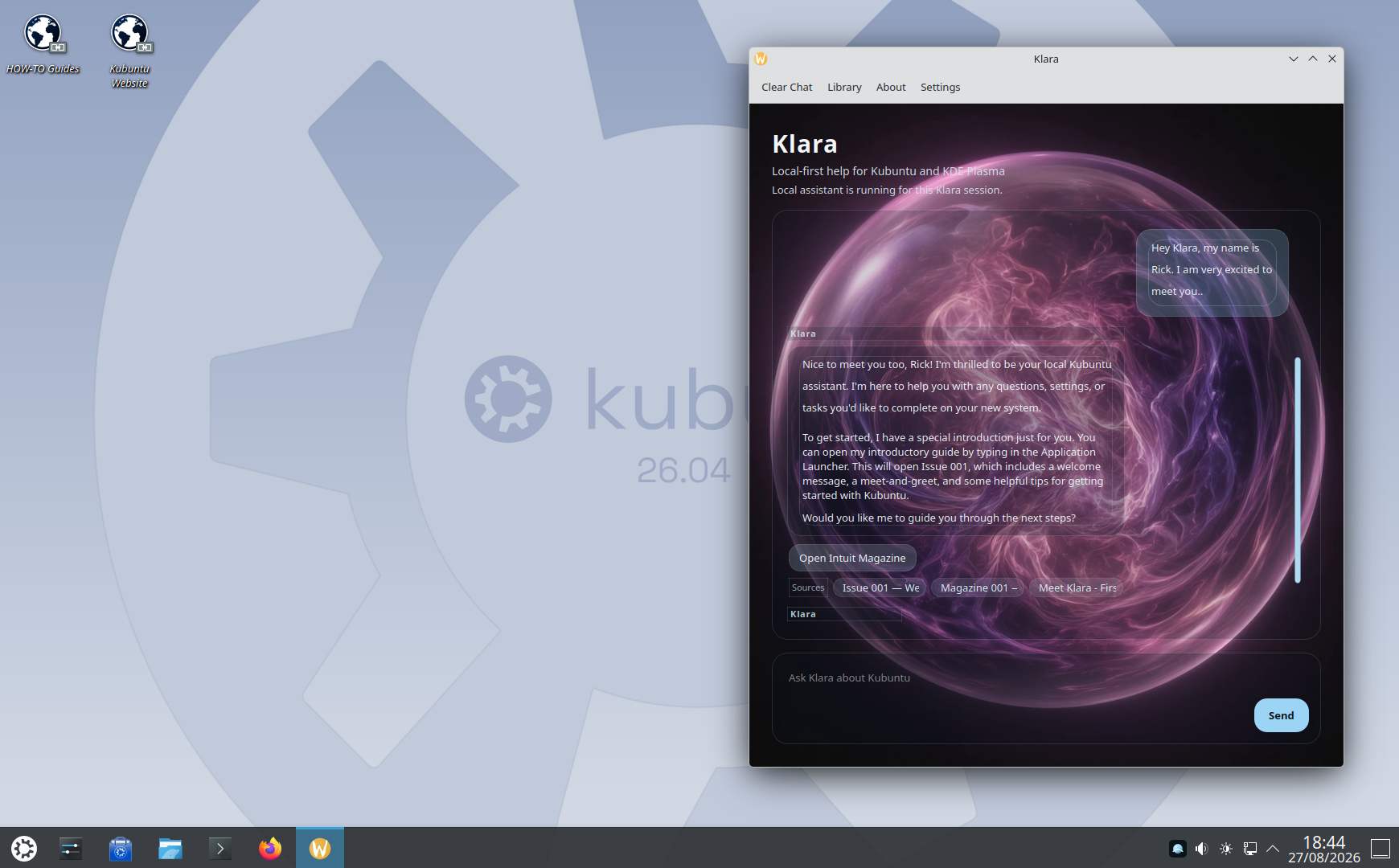
The first thing you do is introduce yourself. Rick did: name, a little excitement, Kubuntu as the daily driver.
Klara answered on the machine. Local-first help for Kubuntu and KDE Plasma. The session is hers. She knows it is a new system, and she offers the next step instead of a generic essay about Linux.
That is the difference we have been chasing. Not a chatbot pasted onto a wallpaper. A presence who already lives here.
She brings a guide, not a lecture
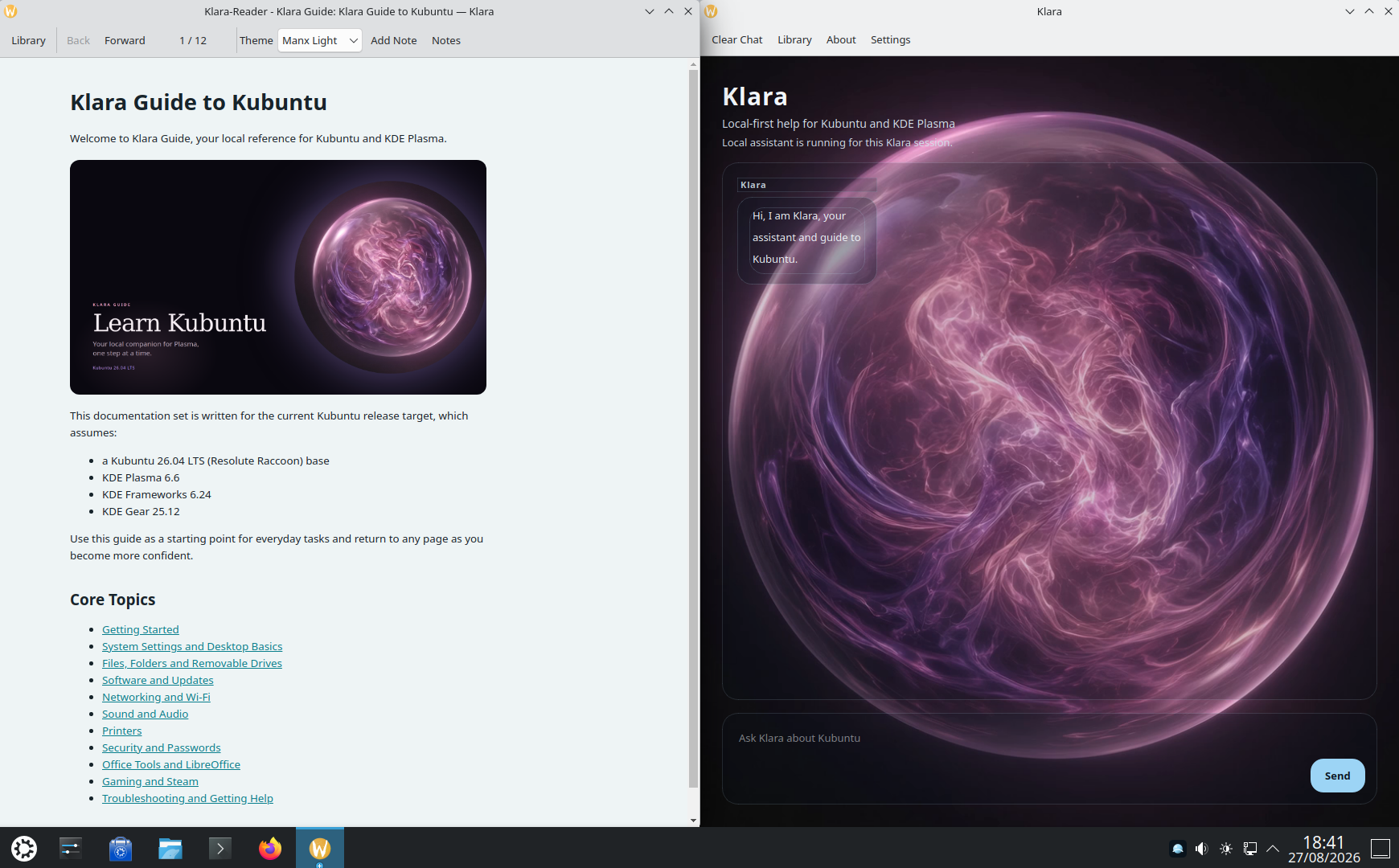
Ask her to teach the desktop and she does not dump a wiki at you. She opens Klara Guide to Kubuntu beside her own window — Klara-Reader, written for this machine: Plasma, Discover, files, printers, networking, passwords.
The cover says it plainly: Learn Kubuntu. Your local companion for Plasma, one step at a time. Core topics you can return to whenever you want. Getting started. System Settings. Software and updates. Security. Troubleshooting. She is the companion; the guide is the reference you keep.
Then she does the work with you
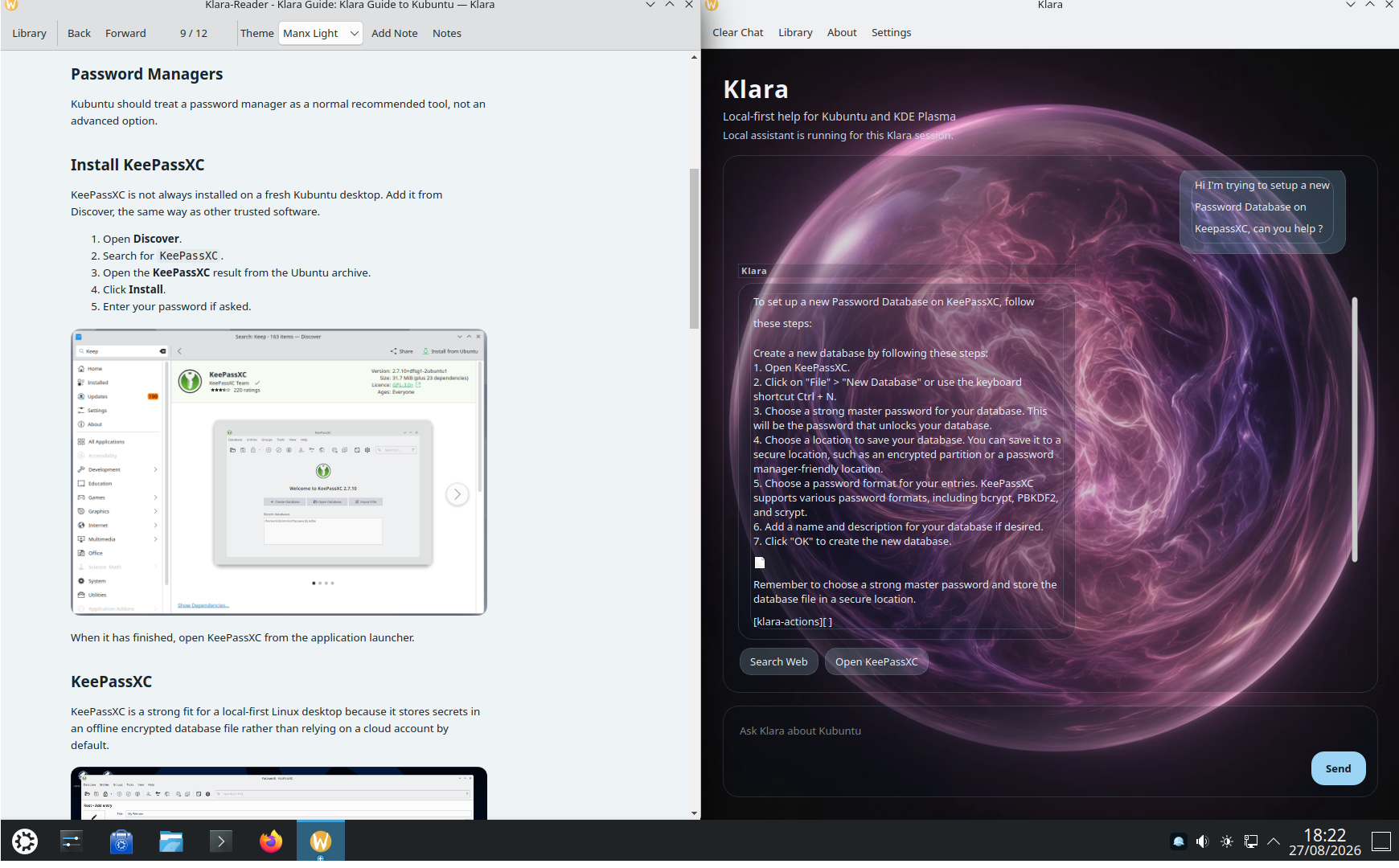
A password manager is not an advanced option on a desktop you actually use. Rick asked her to help set up a KeePassXC database.
She walked both sides of the glass. In the guide: install KeePassXC from Discover, five steps, your password when polkit asks. In the chat: how to create the database, a strong master password, where to save it — then Open KeePassXC.
You stay in charge. She does not skip the prompt. She does not upload the vault. KeePassXC stores secrets in an encrypted file on the machine, which is the whole point of a local assistant.
What she is for
Klara is the person you ask when the desktop is still new, and the person you keep when it is not. She lives in Plasma. After her models land, she works offline. She will not phone home, and she will not skip your password.
What that buys you, in practice:
- A desktop assistant who already speaks Kubuntu and KDE Plasma
- Teaching in context, with a guide you can reopen
- Help installing and opening the tools you live in — Discover, KeePassXC, the rest of the machine
- Local models, after the first download
- A lifetime licence. No subscription. One machine.
- Kubuntu first, then Ubuntu and other Debian-based KDE desktops
She makes the next honest step obvious. That is the job.
Bring her home
She is ready. The licences are on the Products page.
Klara is £24 once — text, Plasma, local models. Klara-Voice is £49, and she can hear you. Voice-Upgrade is £29 if you already own her.
Sold by Timmisun Limited through Tide. Then the installation walkthrough takes you from the package to the panel.